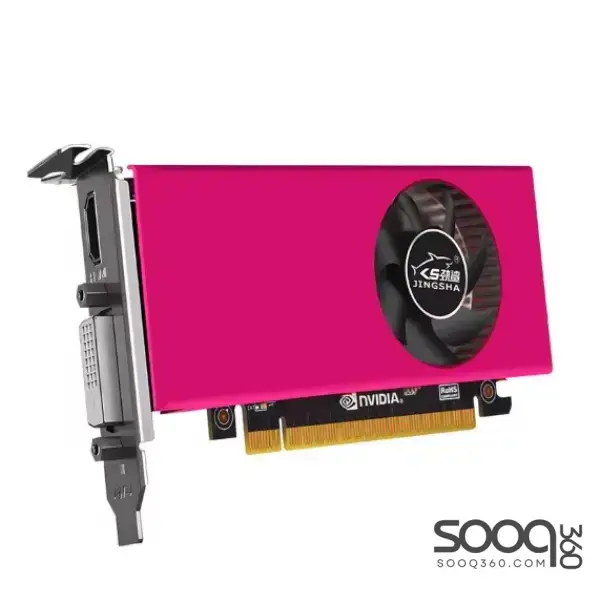
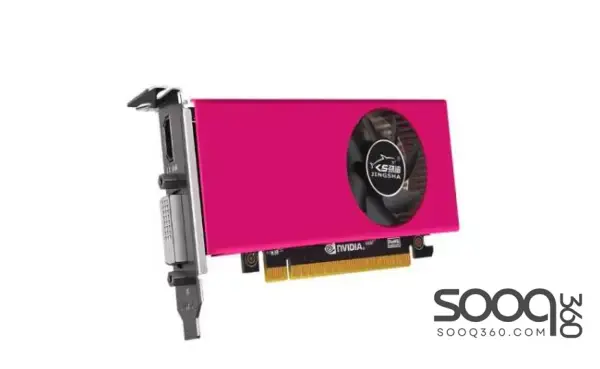
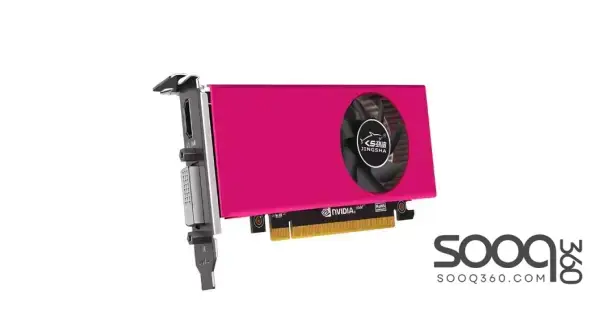
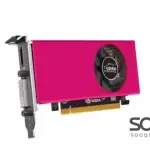
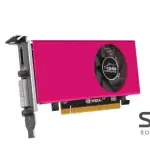
JINGSHA GTX750TI DDR5 4GB Graphic Card:
Specifications:
- Priorto working on your computer, make sure the power of the computer and related equipment is turned off.
- Step 1: Find the PCI-E slot on mainboard.
- Step 2: Make sure the golden finger of the graphic card is
- fully mounted to the PCI-E slot.
- Step 3: Plug your monitor cable into the monitor connector on the graphic card make sure the other end of the monitor cable is properly connected to your monitor.
- Power on your computer and start Windows. Then, follow the windows instruction for proper driver installation if the graphic card
دفع عند الاستلام داخل الاردن